





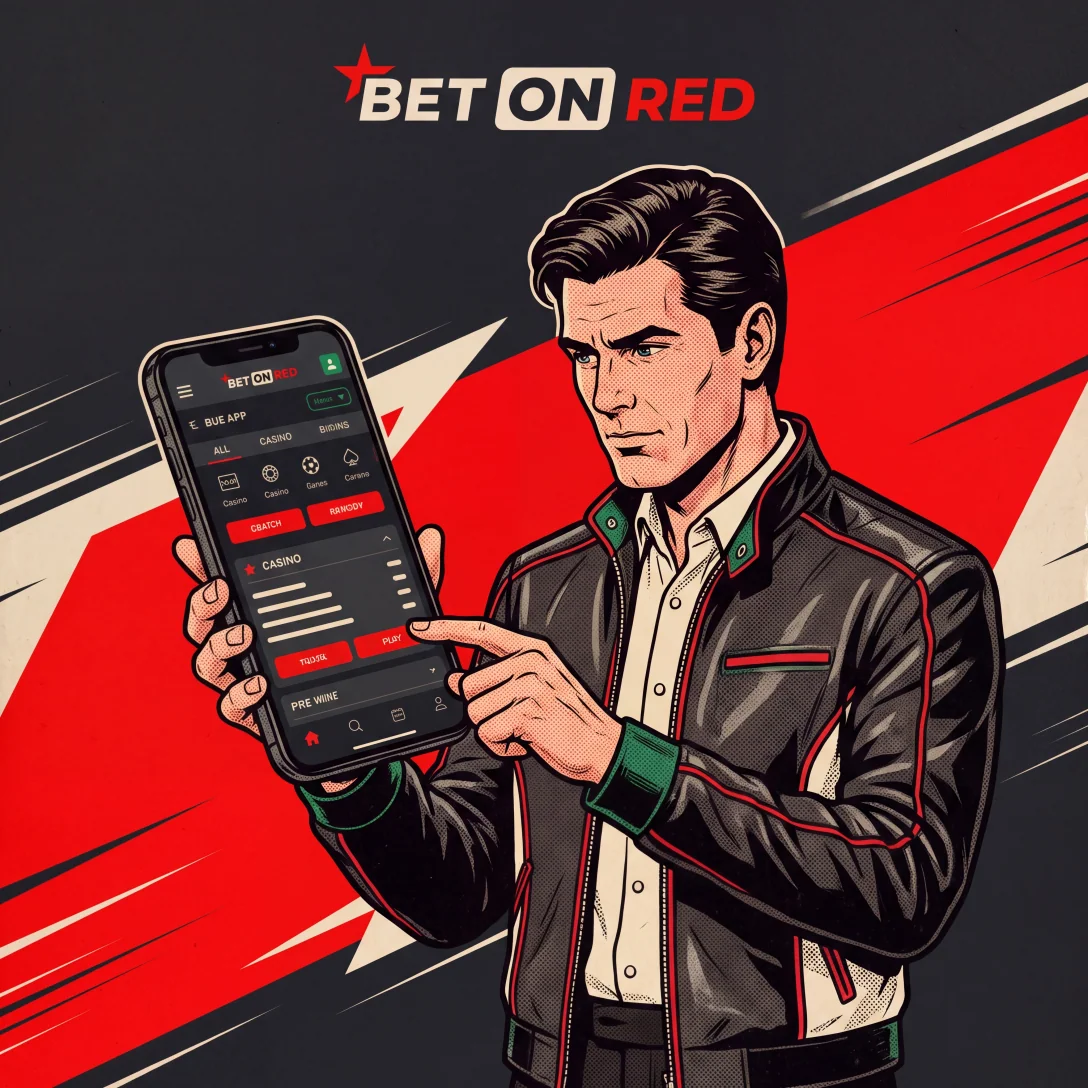
Put the full BetOnRed casino and sportsbook journey on your phone
Mobile access is not a reduced lobby. After signing in, you can browse BetOnRed casino games, open live tables, place sports bets, activate promotions, use the cashier, upload verification files and contact support. The account, balance and limits are shared with desktop access, so there is no second registration or transfer between devices.
Install the Android APK from the correct route
- Open our site in the Android browser and select the official APK download.
- Confirm that the filename and download originate from the page you opened.
- Open Android Settings when prompted and allow installation from that browser or file manager.
- Run the APK, complete installation and then disable the temporary permission.
- Open the app and sign in with your existing BetOnRed credentials.
Create iPhone access without a second account
- Open our site in Safari,
- tap Share
- and choose Add to Home Screen.
The shortcut launches the responsive experience in an app-style window and uses the same account. Keep iOS and Safari current, and do not save credentials on a shared device.
What remains available on mobile
| Area | Mobile action |
|---|---|
| Casino | Search 5,000+ titles and filter 70+ providers |
| Live casino | Open roulette, blackjack, baccarat and game shows |
| Sportsbook | Build pre-match and live bet slips |
| Promotions | Activate offers and monitor wagering or expiry |
| Cashier | Deposit, request withdrawal and review status |
| Account | Upload KYC files and manage responsible-play limits |
For the cashier details behind these mobile actions, the BetOnRed deposits and withdrawals guide explains payment methods, limits and processing times.
Mobile game examples worth searching
For portrait play, try Sweet Bonanza, Gates of Olympus, Book of Dead, Legacy of Dead, The Dog House or Big Bass Splash. Live sections include Crazy Time, Dream Catcher, Monopoly Live and Lightning Roulette. Performance depends on the game stream and connection, so use stable Wi-Fi or mobile data and close background downloads before live play.
The BetOnRed bonus guide explains game contribution and free-spin expiry when a mobile session uses promotional funds.
Take BetOnRed with you
Download the appFix login, update and loading problems
| Symptom | Resolution |
|---|---|
| APK does not install | Redownload from our site, check storage and temporary permission |
| Shortcut opens an old page |
|
| Live game buffers | Change network, close background apps and lower stream quality |
| Login is rejected | Reset the password and confirm the correct email |
| Cashier method is missing | Check account currency, KYC status and the live cashier list |
Mobile security is part of the install
Lock the device with a passcode or biometrics, keep the operating system updated and never share one-time codes. Download the APK only from our site. If a phone is lost, change the password from another device and contact support to review active sessions.
For account setup and identity checks, the BetOnRed registration guide covers personal details, login security and verification documents.
FAQ
Where should I download the Android APK?
Use only the APK link shown on our official site. Do not install files distributed through messages, mirrors or third-party stores.
Which Android permission must I enable?
Allow installation from the browser or file manager used for the download. Turn the permission off again after installation.
How do I add BetOnRed to an iPhone Home Screen?
- Open the site in Safari,
- tap Share,
- choose Add to Home Screen
- and confirm the shortcut name.
Does the mobile account use a separate balance?
No. Sign in with the same account to access the same cash balance, bonus wallet, sportsbook, KYC status and limits.
Can I deposit and withdraw from a phone?
Yes. The mobile cashier supports the methods assigned to your account. Always verify amount, currency, asset and network before confirmation.
What should I do if the APK is not installed?
Remove the incomplete file, confirm free storage, download a fresh APK from our site and check that temporary browser installation permission is enabled.